
You selected a file pressed the “done” button and watched our kitty cat prepare the file, sent the link to your recipient and are both waiting for the transfer to begin?
You are looking at the popup with the name of the file, how large the file is, a time-stamp the up-arrow indicating you are sending it from the device you are using and zero percent is showing on the progress circle.
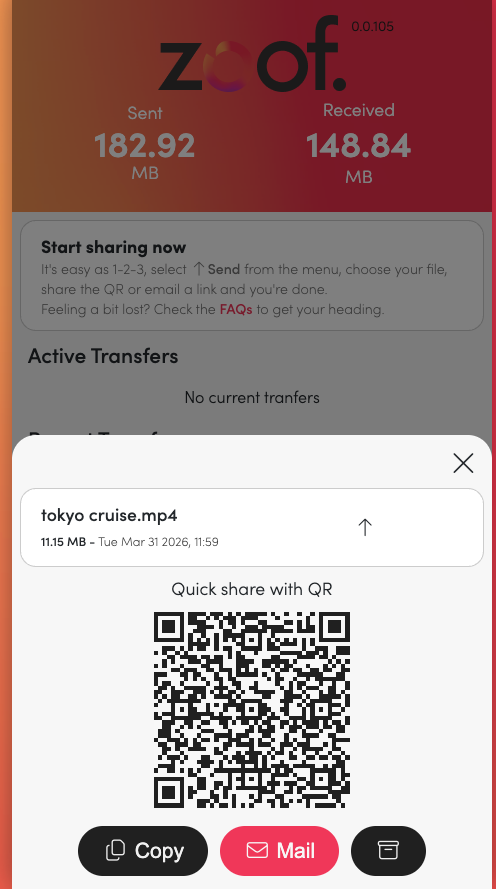
At the recipient end they will see the following:
fFrst they will recieve the link, via email or text message and if they are already signed-in they will see the following popup
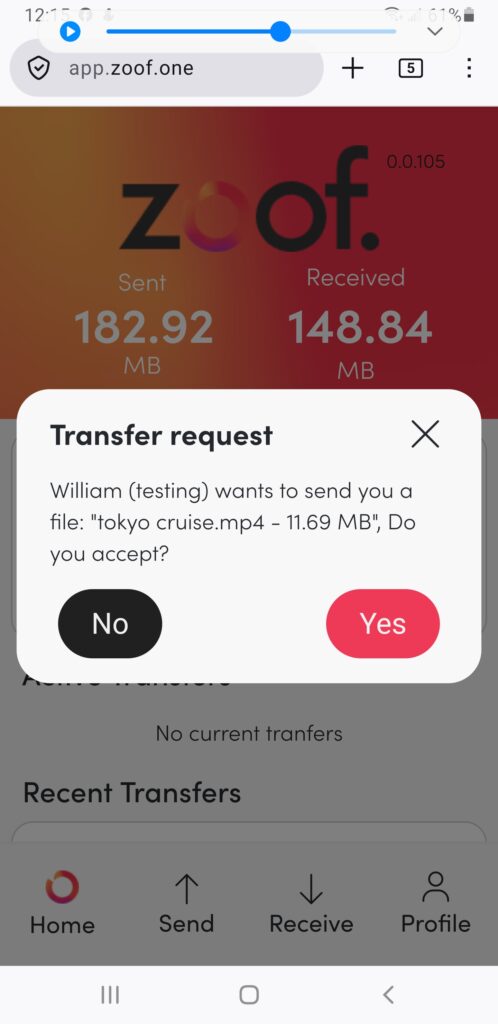
Pressing “Yes” allows the transfer to proceed.
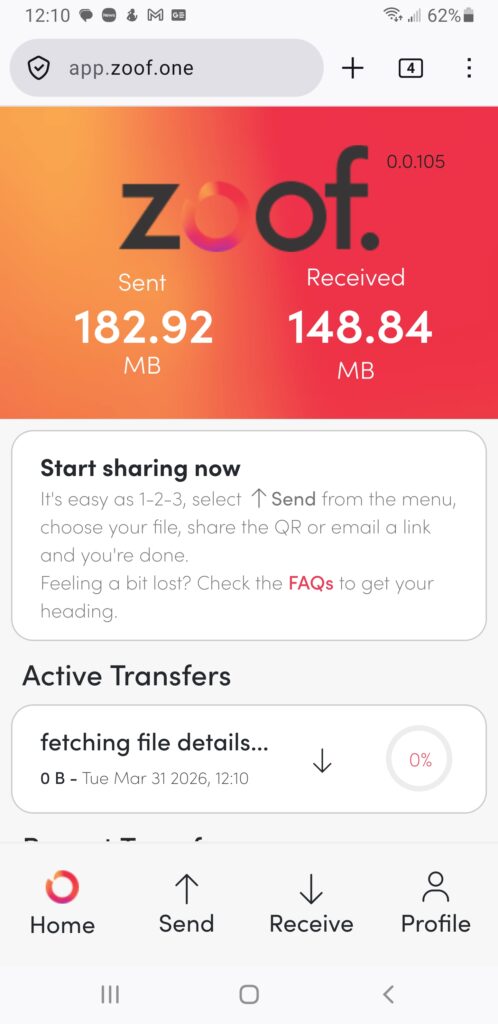
N.B. once the kitty cat has prepared your file and you have shared it with your recipient, you must be careful not to refresh the page that it is being displayed or the link “dies” and nothing with be transferred. Also, keep the page alive, while you are waiting for the transfer to begin and throughout the transfer.